Simple. Minimal. Made for renting.
Home² keeps rent, utilities and receipts clean so you can focus on living. The web design mirrors the app's simple black & white aesthetic with clear UX and fast performance.
Set dates, reminders & quick pay links
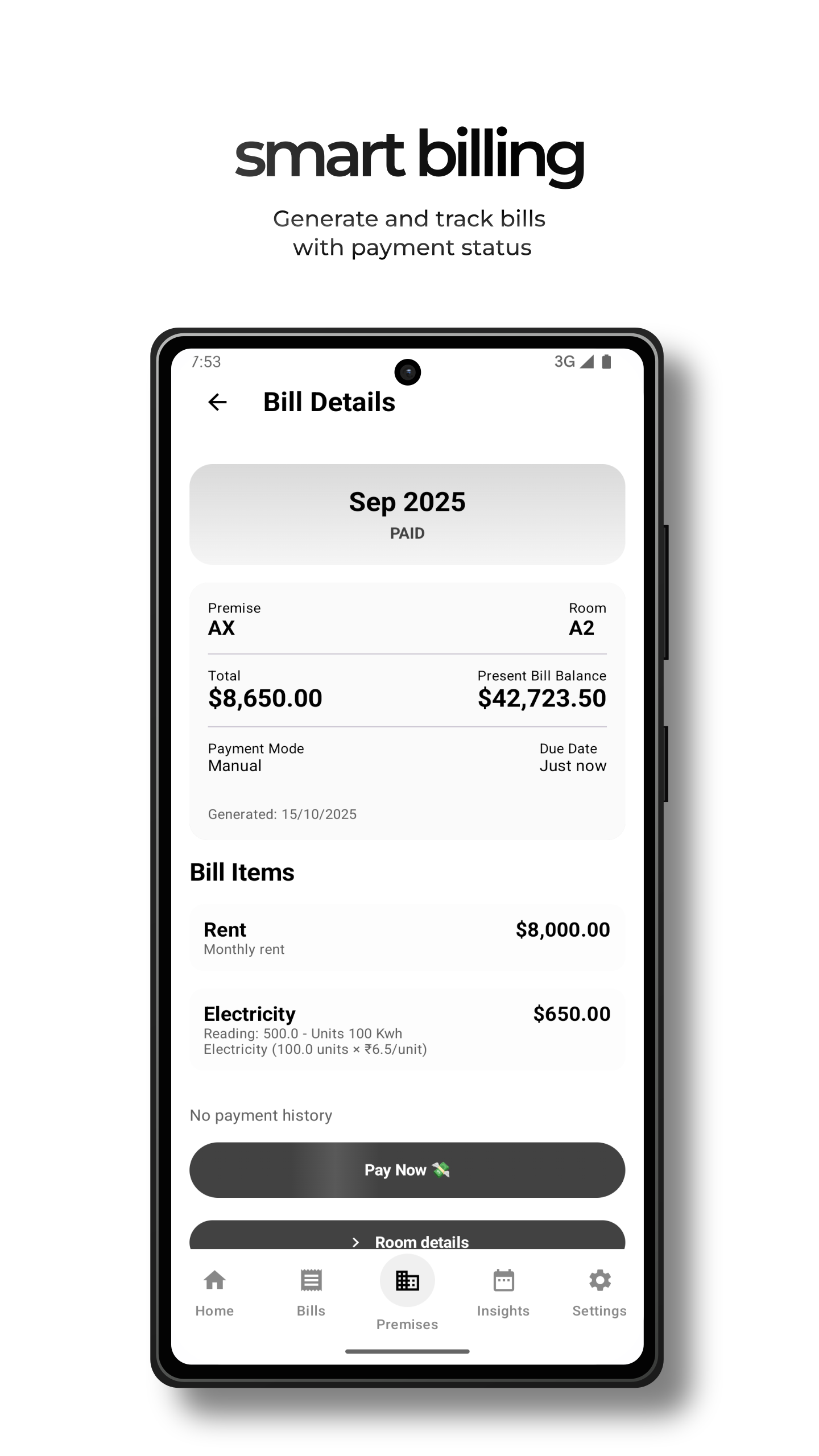
Auto PDF receipts & export
Graceful reminders and notices
Screenshots
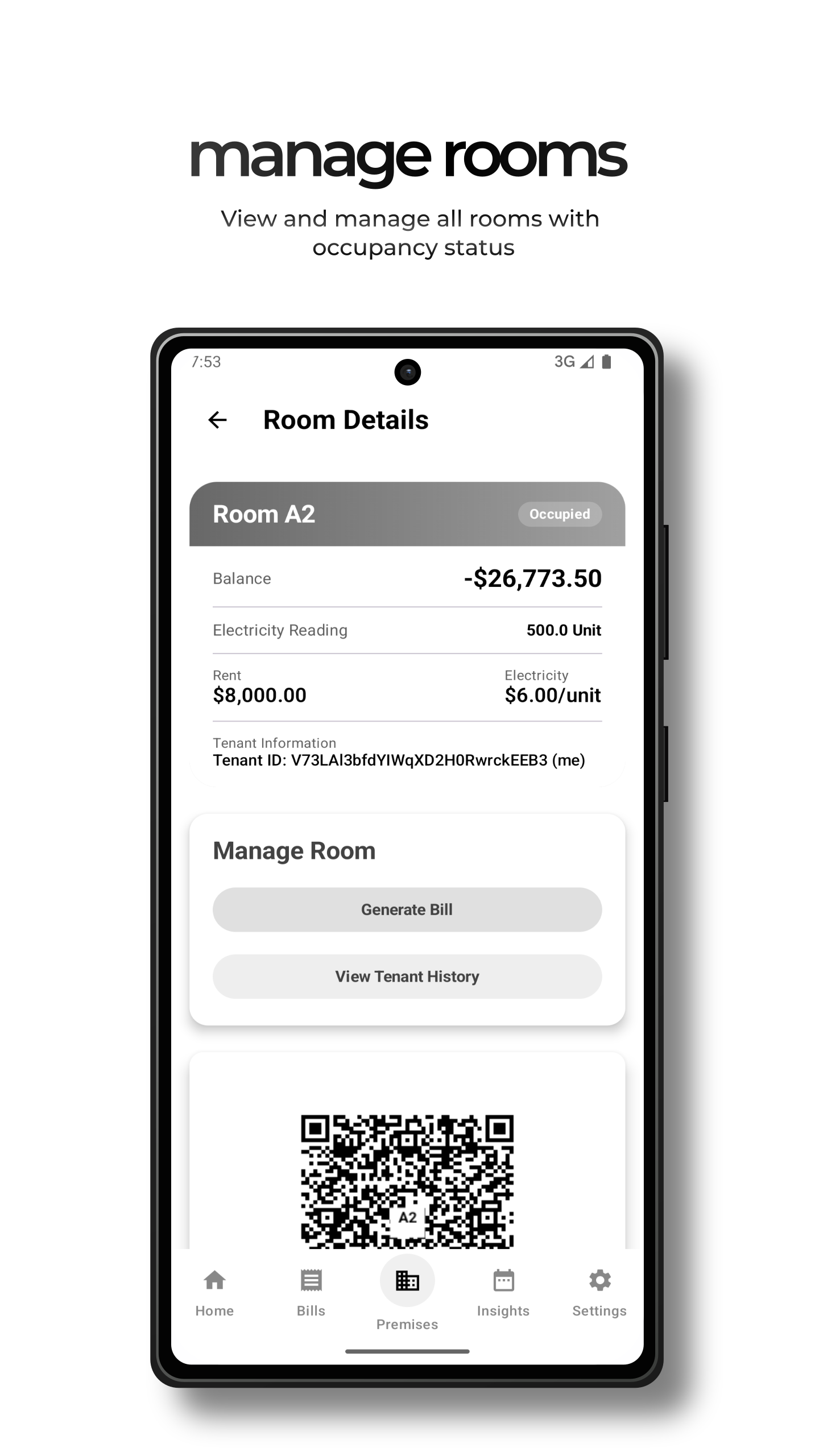
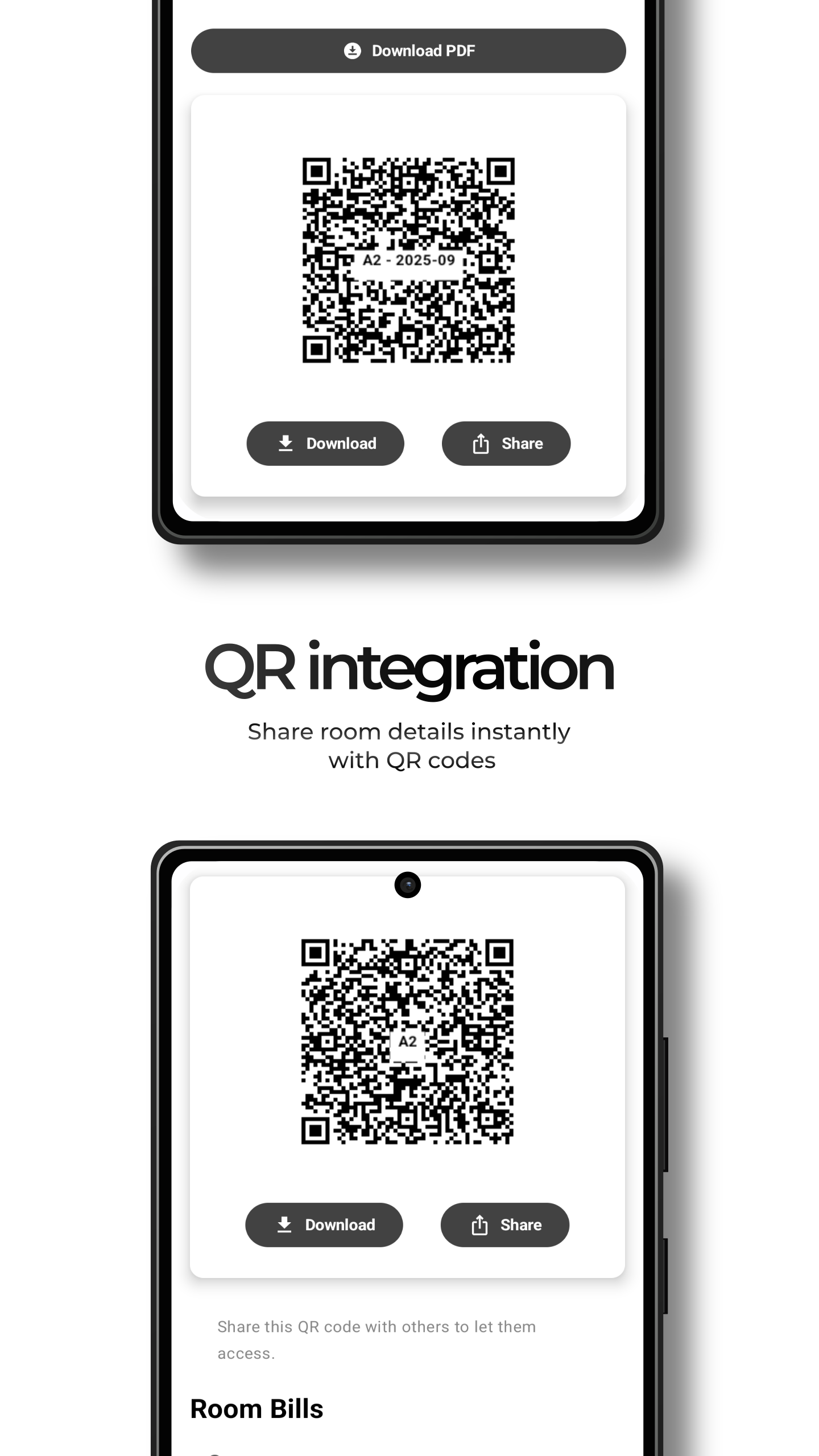
A few screenshots from the app.
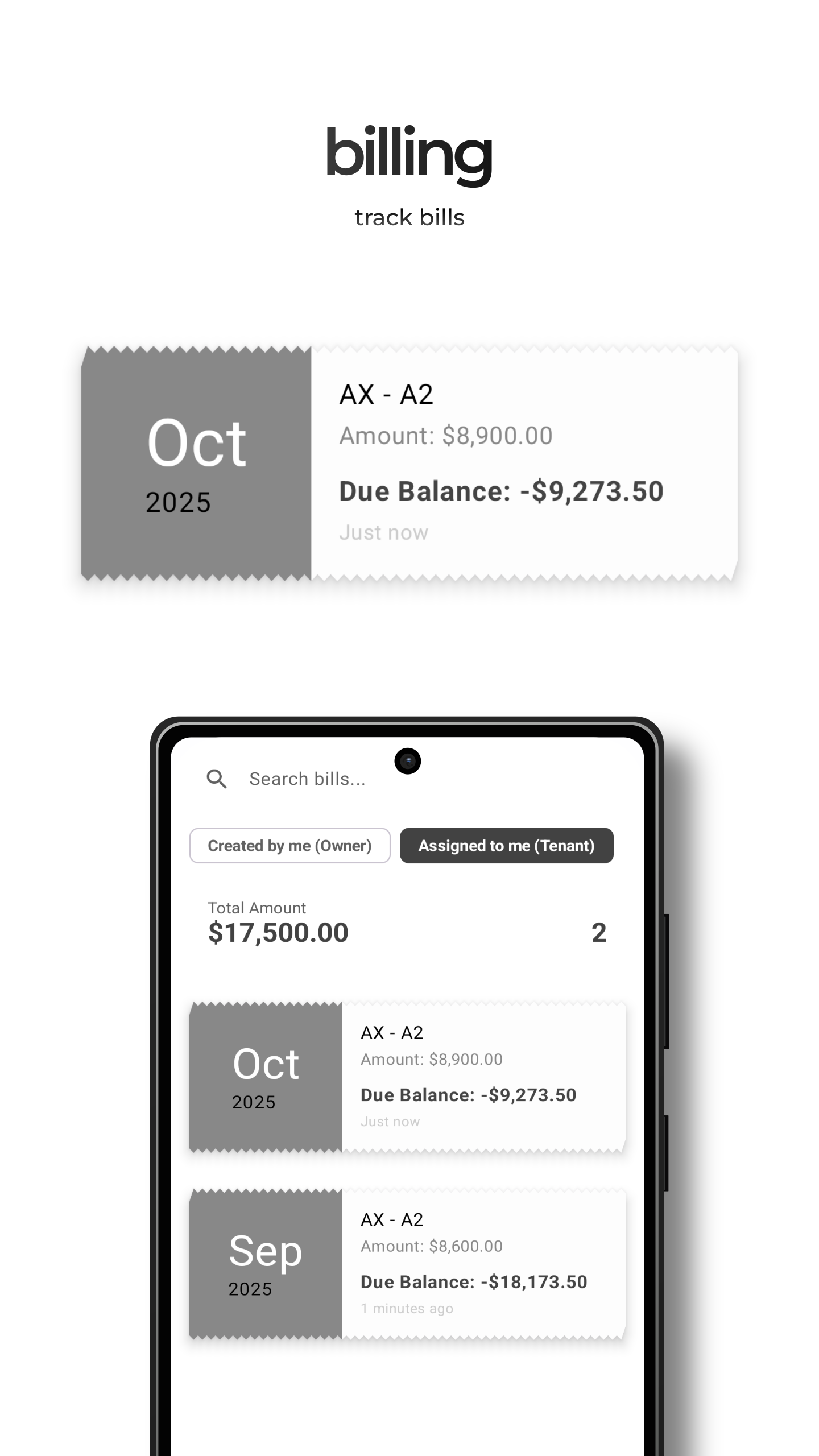
Features
Everything you need to manage a rented space
- Rent scheduling & reminders
- Room-wise electricity & water billing
- PDF receipts & export
- Multi-user roles (landlord, manager, tenant)
- In-app messaging and maintenance notices
- QR-based deep navigation (Pro tier feature)
Security & Privacy
We only store what’s required. All sensitive data is encrypted in transit and at rest. You control what you share.
Plans & Pricing
Purchase on Play Store.
Testimonials
FAQ
How do I purchase a subscription?
What payment methods are accepted?
Help & Buying Guide
Follow the step-by-step instructions below for each purchase method.
1. Buy on Google Play (Recommended)
- Open Play Store on your Android device or click the "Get Home² on Play Store" button.
- Tap the subscription or buy option and complete payment via Google Play Billing.
- Open the app and sign in with the same Google account to enable premium features automatically.
Contact & Support
Privacy Policy (short)
Last updated: 2025-10-29
Home² collects basic account and payment verification information to provide services. We encrypt data in transit and at rest. We do not sell personal data. For the full policy visit the full policy page Policy .
Terms of Service (short)
These terms govern your use of the Home² service. By using the app you accept our terms. For subscription purchases via Play, Google's Terms apply.
Refund & Activation Policy
Refunds for Play Store purchases must be requested through Google Play; refunds are processed case-by-case.